Developing a logo for your business is a great way to start building on an idea you have to create a business. Many entrepreneurs, freelancers, and small businesses want to develop a logo that will look professional, function well on multiple devices & platforms, and be affordable without needing to hire someone to design it, and without needing a lot of money to get started. These are both areas that can be addressed by using AI-powered logo development tools.
Two Different Paths to Logo Creation
Design.com and Tailor Brands are two of the most popular logo development tools being compared as options for users looking for easy-to-use logo development tools that do not cost money to try. The purpose of this comparison is to compare how these two services work and to determine which service provides more overall value to its customers.
Platform Overview and Core Differences
At an overall level, both Design.com and Tailor Brands seek to make creating logos easier. They just have different goals.
Design.com is positioned as a logo-first branding platform that emphasizes speed and quality of professionalism.
- Focused on rapid, professional logo creation
- Large logo template library for instant options
- AI-based branding tools to support consistency
- Streamlined experience with minimal user effort
Tailor Brands uses a more automated, business-oriented methodology for creating logos.
- Generates logo concepts based on business inputs
- Uses automation rather than template selection
- Includes business setup and administrative tools
- Suited for users wanting branding and operations in one platform.
Users who want to create a brand identity through a single platform will find Tailor Brands appealing.
Logo Templates and Design Quality
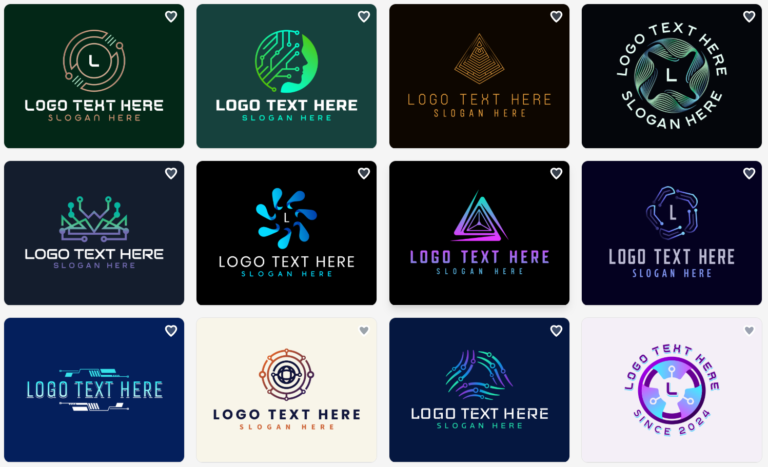
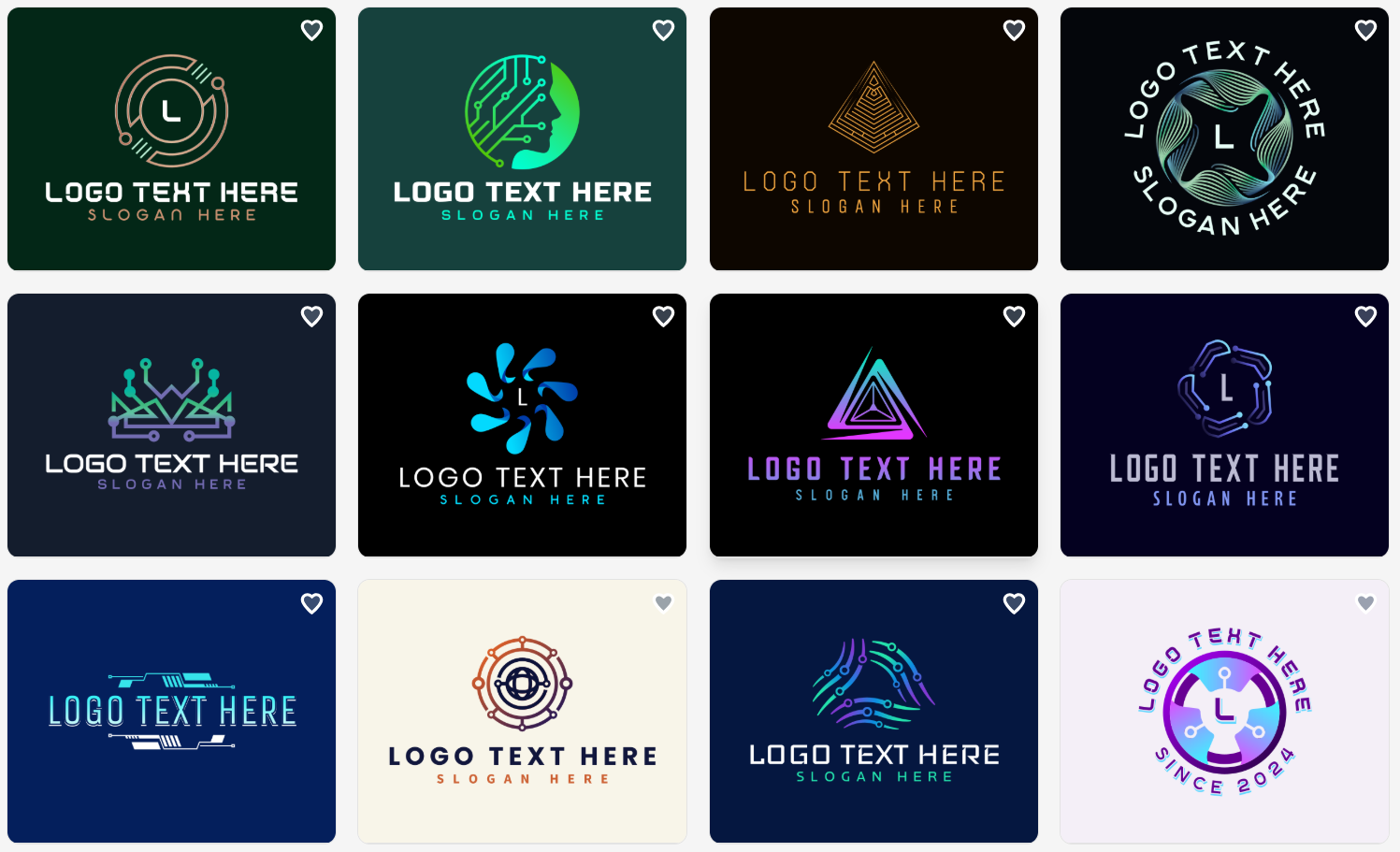
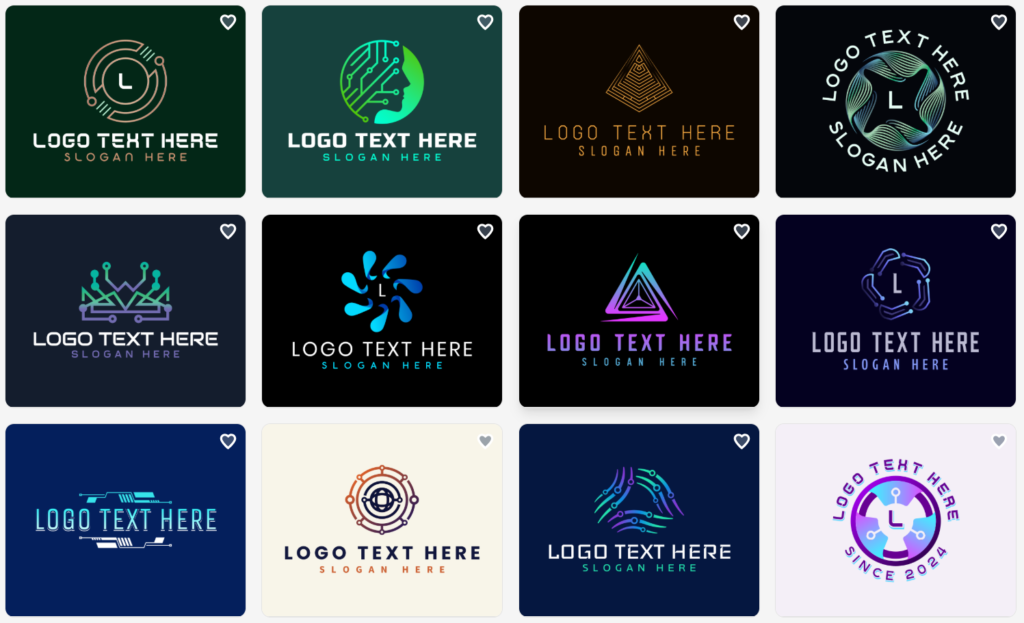
One of Design.com’s greatest advantages is that it offers many options. It has the largest logo template collection in the world (with more than 360,000), with each logo created by an experienced professional designer. As such, users have an abundance of choices in terms of industry, style, and identity.
In general, Design.com templates exhibit the following common traits:
- Professional, business-ready design
- Proportionate font usage
- Symbols and graphics consistent with specific industries or styles
Unlike Design.com, Tailor Brands utilizes algorithms to create its own designs. While the logos produced by Tailor Brands are clean and modern, they appear very similar, therefore limiting the unique quality that a brand may be able to achieve through a logo.
AI Tools and Branding Capabilities
Design.com has expanded upon its focus on creating logos with the addition of over 50+ different AI-powered design and branding tools that allow users to expand their logo into a larger brand identity.
The additional tools are as follows:
- Logo Generator
- Website Builder
- Business Card Generator
- Business Name Generator
These tools enable users to create or develop their entire brand identity using one platform, while Tailor Brands is focused on the core branding assets and business services, and can be used to establish and manage those aspects of your business.
However, the number of design tools available in Tailor Brands’ branding ecosystem is limited when compared to Design.com’s more extensive branding ecosystem.
Customization and Design Control
Design.com’s focus on structure and consistency makes it easier for users to customize their site by changing colors, fonts, and layouts to achieve an overall consistent look and feel. However, this is particularly helpful for those with little or no design experience since they will know that the site will have a balanced visual appeal and won’t have to worry about achieving that through trial and error.
Although Tailor Brands does allow users to customize certain aspects of their site, in comparison to Design.com, users have fewer options when adjusting elements of the website; therefore, users may be less flexible when customizing more in-depth features, such as the layout of their site.
Ownership, Licensing, and Commercial Safety
Ownership is an important way to differentiate your business.
Design.com puts a focus on exclusivity and commercial security when it comes to creating logos.
- Logos are only available for purchase through Design.com’s library.
- All designs undergo an evaluation process to ensure that they are original and of high quality.
- You have 100% commercial safe use for all logos you create.
- Extended licensing allows purchased templates to be removed from the library
- Higher level of ownership and control
Tailor Brands provides the ability to use its logo designs in a commercial setting. While this works well for many businesses, it does not allow you to maintain the same level of exclusivity as Design.com or the same level of control over your logo ownership.
File Formats and Practical Use
Both Design.com and Tailor Brands provide basic file types that are used in professional settings, including PNG, JPG, SVG, PDF, and EPS.
All of these can be applied to digital and printed materials as soon as they are created. Tailor Brands is able to offer you a standard version of your logo as well as other advanced versions based on the plan you select.
Free Options
Design.com has many free logos and design assets that include business cards and websites, allowing users to test the waters before they commit.
Tailor Brands does give you free previews, but generally, you will need to upgrade to a paid version in order to download a usable version of your logo.
Key Comparison Highlights
- Logo Focus: A logo-only platform (Logo-First) versus an automatic brand builder
- Template Variety: Over 360,000 design templates versus algorithm-generated ideas
- Customization: Consistent and guided customization versus very few customization options.
- Brand Building Tools: 50+ Branding Tools using AI versus a core set of Brand Features to use in building your brand
- Ownership: Exclusive, extended licensing agreements versus Standard Rights for your brand.
- Best For: Professional, fast Brand Launches versus Automatic Brand Setup
Made With Design.com
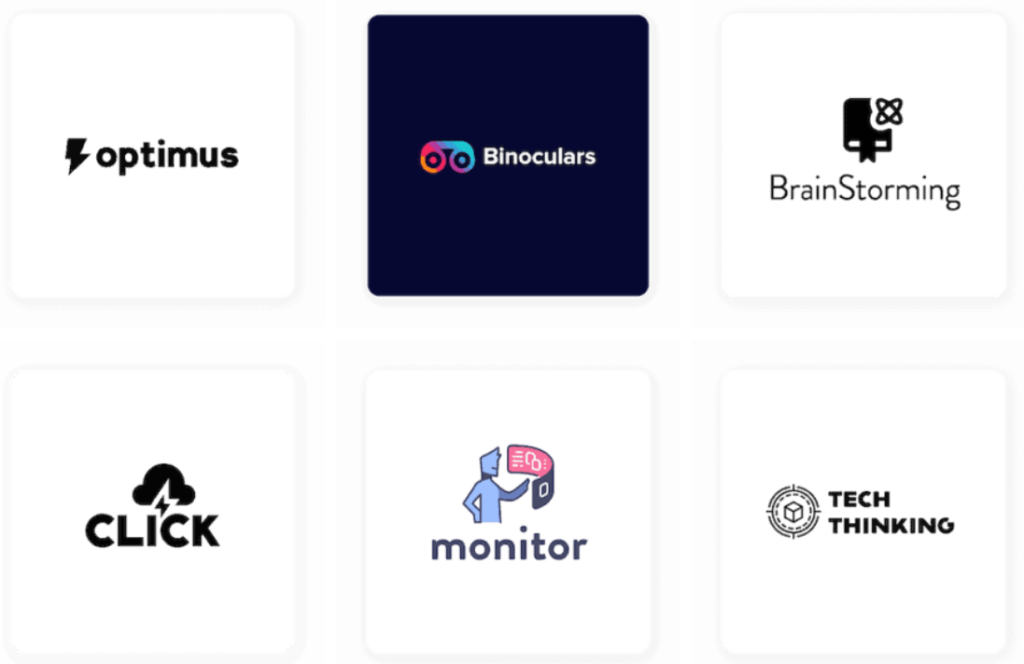
Made With Taylor Brands
Final Thoughts
Both Tailor Brands and Design.com offer access to logo design, but provide different value for users. For users looking for an easy-to-use logo automation service that can also be used in conjunction with other business setup tools, Tailor Brands may be a good choice.
However, for users focused on creating strong logos that are customizable and have long-term potential as part of their overall branding strategy, Design.com will be a better option.
Ultimately, which tool is better will depend upon what is important to you, but if you are looking for a free way to start and have the ability to expand upon your logo design at a later time, Design.com offers a much more comprehensive and adaptable logo creation experience.
About the Author